Install the APK
Download the free app directly from GitHub Releases—no account or sign-up wall.
Chat with DeepSeek, Claude, ChatGPT, Gemini, and Mistral without paying $20/month or hitting “Server is busy” lockouts. Bring your own pay-as-you-go key, pay only pennies for what you send, and keep every chat privately on your phone.
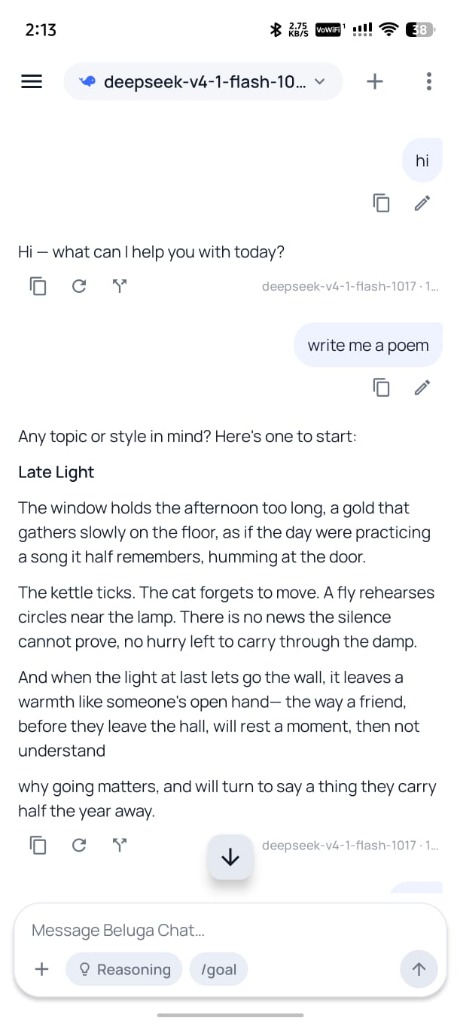
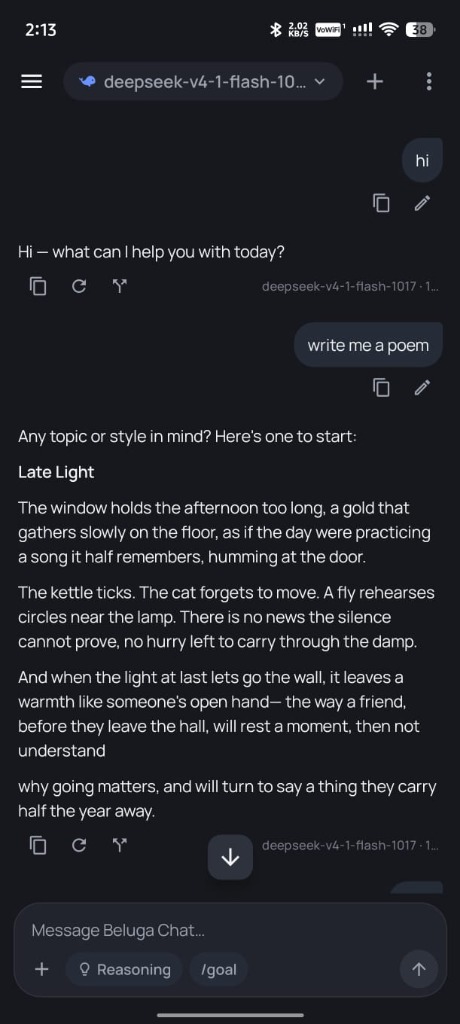
Download the free app directly from GitHub Releases—no account or sign-up wall.
Follow our step-by-step screenshot guides for DeepSeek, Mistral, or Deploy.com.
Switch models mid-chat, edit or branch any reply, and customize how your AI thinks.
Add one key or several. Switch between providers inside the very same conversation.
Calm, uncluttered mobile reading on the surface, with full control over prompts, models, branches, tools, and privacy underneath.
Never feel stuck in a dead-end chat thread. Every message and reply stays flexible.
Fix a typo or rephrase an earlier question, then flip between old and new versions anytime.
Not happy with an answer? Tap regenerate for a fresh take and compare both versions side by side.
Fork any reply into a separate side-chat to explore a different idea without losing your main thread.
Start with DeepSeek, then switch to Claude, ChatGPT, Gemini, or Mistral in the same chat with full memory kept.
Turn step-by-step thinking on or off right in the message bar whenever you want deeper, careful answers.
Copy any message in one tap, or export and share an entire conversation cleanly as Markdown.
Shape how the AI talks to you—globally across the app or just for a single conversation.
Write your own default rules and tone for every chat (concise, friendly, tutor, coding partner) and reset anytime.
Give an individual chat its own custom instructions without changing your global setup.
Tap the + button to snap a photo, pick from your gallery, or attach documents right in the composer.
Automatically follows your phone or lets you pick crisp Daylight or neutral Charcoal Dark mode.
Go beyond basic Q&A when you need real web research, multi-step tasks, or reusable workflows.
Give Beluga Chat a bigger task and let it break it into steps, run tools, and keep working until it is done.
Searches multiple angles, reads primary web pages, cross-checks claims, and writes a cited report.
Look up live information and read web pages directly—no plugins or extra accounts required.
Splits complex /goal or /deepsearch requests into focused sub-tasks automatically.
Save favorite prompt workflows, type @skill-name in the message box, or import new skills in one tap.
Browse plugins and connect remote MCP tool servers—always protected by Ask first / Allow / Deny prompts.
Built for real daily use on Android with zero accounts, zero tracking, and clear usage stats.
Your API keys are locked in Android Keystore (AES-GCM). Chats live only on your phone and go straight to the AI provider.
Lock your screen or switch apps while long answers finish generating—the stream keeps running safely.
Search across all past conversations, rename threads, or bulk-clean old chats in Manage Chats.
See your activity, message counts, and token usage over time right inside Settings.
Checks GitHub Releases automatically and lets you download and install new signed APKs inside the app.
Keep the clean mobile reading experience you like, without monthly subscriptions, server-busy lockouts, or cloud chat tracking.
| Capability | Official Stock Apps | Beluga Chat |
|---|---|---|
| Cost & “Server busy” limits | $20/mo subscriptions or peak-hour caps | Pay pennies per use, direct API access |
| Switch between DeepSeek, Claude, GPT, Gemini, Mistral | Locked to one company's models | 10+ providers & mid-chat switching |
| Edit, rewind, regenerate & branch chats | Limited or linear thread only | Version switcher (‹ 1/2 ›), regenerate & forks |
| Global system prompt & per-chat instructions | Not customizable or hidden | Full system prompt, per-chat rules & @skills |
| Autonomous /goal, /deepsearch & MCP tools | Basic built-in search only | /goal, /deepsearch, subagents & one-tap MCP |
| Privacy (local-only, open source) | Account required, cloud-stored chats | Android Keystore encrypted, 100% on-device |
Never touched an API before? Each guide shows every single screen and button in plain English—no developer tools required.
Step-by-step visual guide to getting a DeepSeek API key and connecting it to Beluga Chat on Android with no daily limits.
Step-by-step guide to creating a Mistral AI API key (including the free Experiment tier) and connecting it to Beluga Chat on Android.
Walkthrough for signing up on Deploy.com, unlocking the $100 bonus credit on a $5 recharge, and connecting it to Beluga Chat as an OpenAI-compatible provider.
Yes. Beluga Chat is 100% free and open source with no subscriptions, ads, or in-app paywalls. You bring your own API key and pay your chosen AI provider directly only for the messages you actually send.
Not at all. Getting a key takes about two minutes in your phone's browser: sign in to a provider like DeepSeek or Mistral, add $2–$5, tap “Create API key”, and paste it into Beluga Chat. Our screenshot guides show every step.
For everyday personal chatting, it typically costs pennies per day. A starter top-up of $2 to $5 on DeepSeek Platform generally lasts weeks or months, with zero monthly fees.
Yes. Your keys are encrypted on-device using Android Keystore (AES-GCM), and all conversations live solely on your phone. Requests go directly from your phone to the provider you choose—never through a Beluga Chat server.
Beluga Chat checks GitHub Releases automatically for new signed APKs and prompts you to update right inside the app, or you can always grab the latest build from the Download button on this site.